 BizAcquire
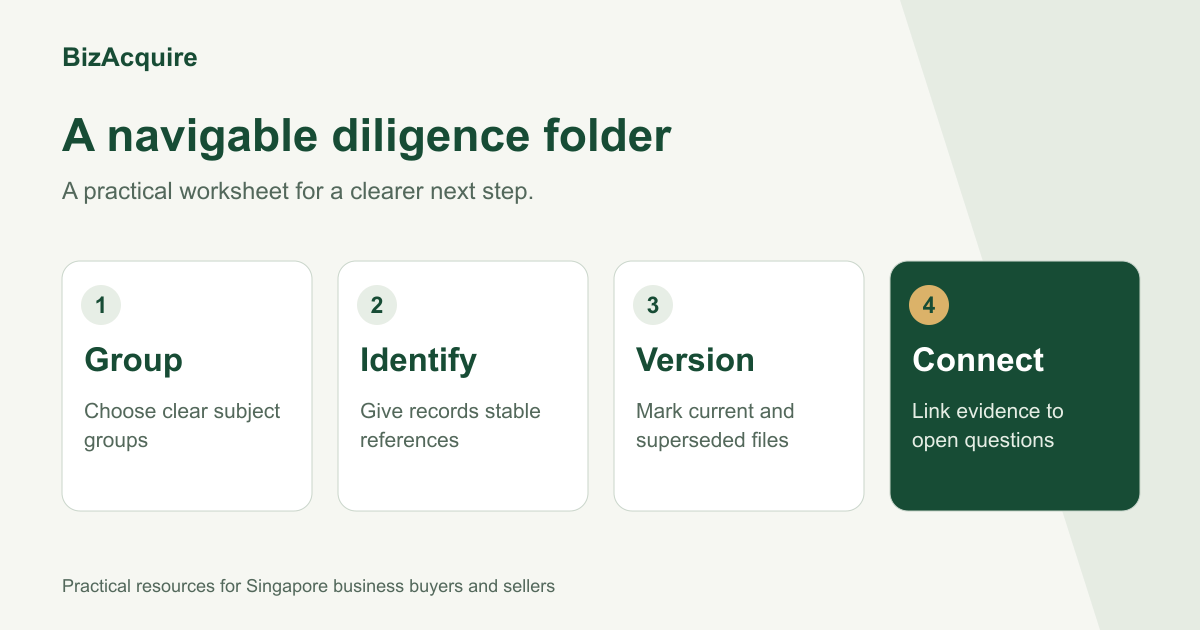
A diligence folder is easier to use when its index explains what each record is and why it is there. The purpose is navigation and traceability, not creating the largest possible collection of files.
Use a structure a new reader can understand
Group records by the questions they help address: operating activity, financial information, proposed sale scope and other relevant subjects. Choose labels that fit the actual business. Do not create empty categories solely because a generic checklist contains them.
Keep the index separate from the underlying access decisions. Listing a document in an index does not mean every reader should receive its contents. Sensitive records need an appropriate private sharing process.
Give every record a stable identity
Use an internal reference that will still make sense if a file is renamed. Record its title, period, version and location. Avoid names such as “final-final-new” that force a reader to guess which file is current.
- Does the title describe the record accurately?
- Is the period covered clear?
- Who supplied or prepared it?
- Is the version current, superseded or incomplete?
- Which question does it help address?
Use a document-index worksheet
| Field | Useful entry |
|---|---|
| Reference | Stable document identifier |
| Title and period | What the record covers |
| Version and supplied date | Which copy this is |
| Status | Current, superseded, partial or awaited |
| Related question | Reference to the open issue |
| Private location | Where an authorised reader can find it |
Mark a missing file as awaited or unavailable. An empty location field should not be interpreted as a record that was received and checked.
Keep evidence status distinct from document status
Fictional example: A seller supplies a report and then a corrected version. The index retains the distinction, identifies the current copy and links the correction to the question it affects. It does not mark the underlying issue resolved simply because a replacement file arrived.
An index is not a diligence conclusion. Record the checks and conclusions in a separate question log so readers can distinguish “received” from “verified.” For possible preparation categories, use the sale preparation document checklist; for the wider decision, use the business evaluation guide.
Source and editorial notes
This checklist and worksheet are original practical guidance. No current legal, tax, accounting or regulatory requirement is stated here. Corrections or questions: contact BizAcquire.