 BizAcquire
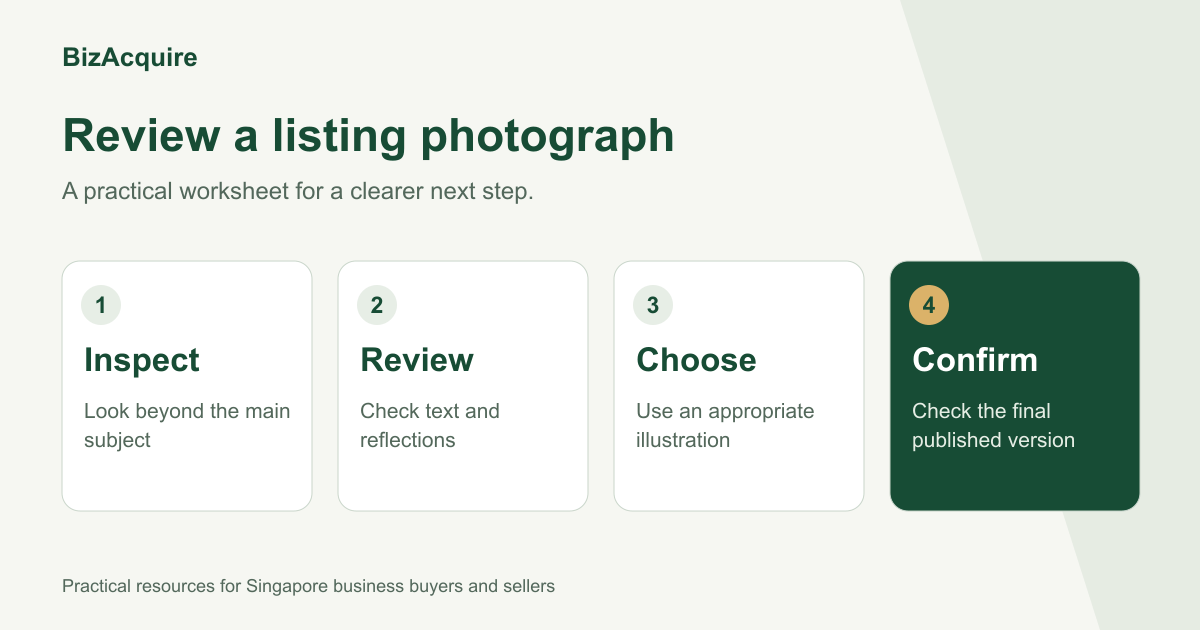
A photograph can reveal more than its main subject. Review the whole image before publishing it, especially when the seller wants to introduce the business without naming it at the public stage.
Look at the image as an outsider would
Zoom in on the corners and background as well as the main subject. A sign, a distinctive frontage or a visible customer document may reveal something you did not intend to publish. Consider the combination of the image and the written summary too.
A broad description might become identifying when paired with a recognisable view. Decide what you are comfortable disclosing rather than assuming that removing a business name answers every identification question.
Use a deliberate review checklist
- Business names, logos, phone numbers and website addresses
- Customer paperwork, order screens and employee notices
- Street signs, neighbouring units and distinctive landmarks
- Reflections in glass, mirrors and polished equipment
- Faces, vehicle registration details and access badges
- Visible passwords, codes or operational instructions
This is an editing checklist, not a guarantee of anonymity. If you cannot make a photograph suitable for the public purpose, choose a different image instead of relying on a small crop to solve every issue.
Be clear when an image is representative
An illustration can explain the type of activity without pretending to show the actual business. Label a representative image honestly. Do not use somebody else’s image without permission or present a stock scene as evidence of the premises, equipment or condition being offered.
| Question | Decision to record |
|---|---|
| Purpose | What should the image help a reader understand? |
| Identifying details | What did the review find? |
| Permission | Is use of the image authorised? |
| Caption | Actual, illustrative or representative? |
| Final check | Does the uploaded version match the reviewed file? |
Check the uploaded result
Fictional example: A seller selects a photograph of equipment but notices a customer delivery label in the background. The seller chooses a suitable different photograph or an honestly labelled illustration. The problem is addressed before the file is made public.
Review the final crop and caption on a phone as well as a larger screen. If you later notice an unintended disclosure, use the platform’s appropriate correction process promptly. Read what BizAcquire publication review covers and how seller submissions work when preparing your listing.
Source and editorial notes
This checklist and worksheet are original practical guidance. No current legal, tax, accounting or regulatory requirement is stated here. Corrections or questions: contact BizAcquire.